Your entire library, anywhere
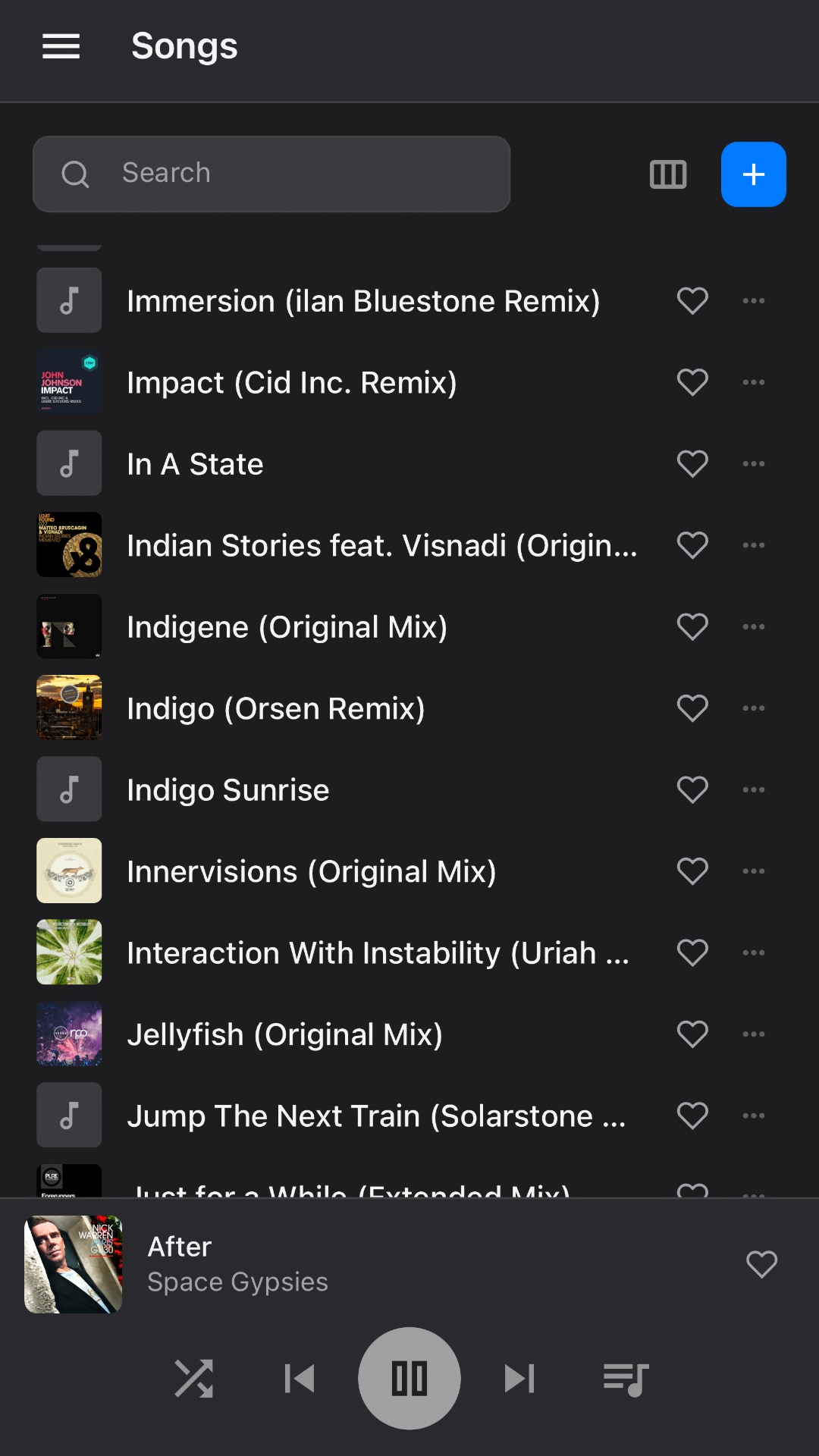
Upload your collection to Puter cloud once. Listen on every device, instantly. Songs, albums, artists, genres, loved tracks — all the views you'd expect. Download any track back, identical to your original.
An online music player for the music you actually own. Play MP3s and other audio files, stream your library from Puter cloud, and listen to radio and podcasts — all in your browser.
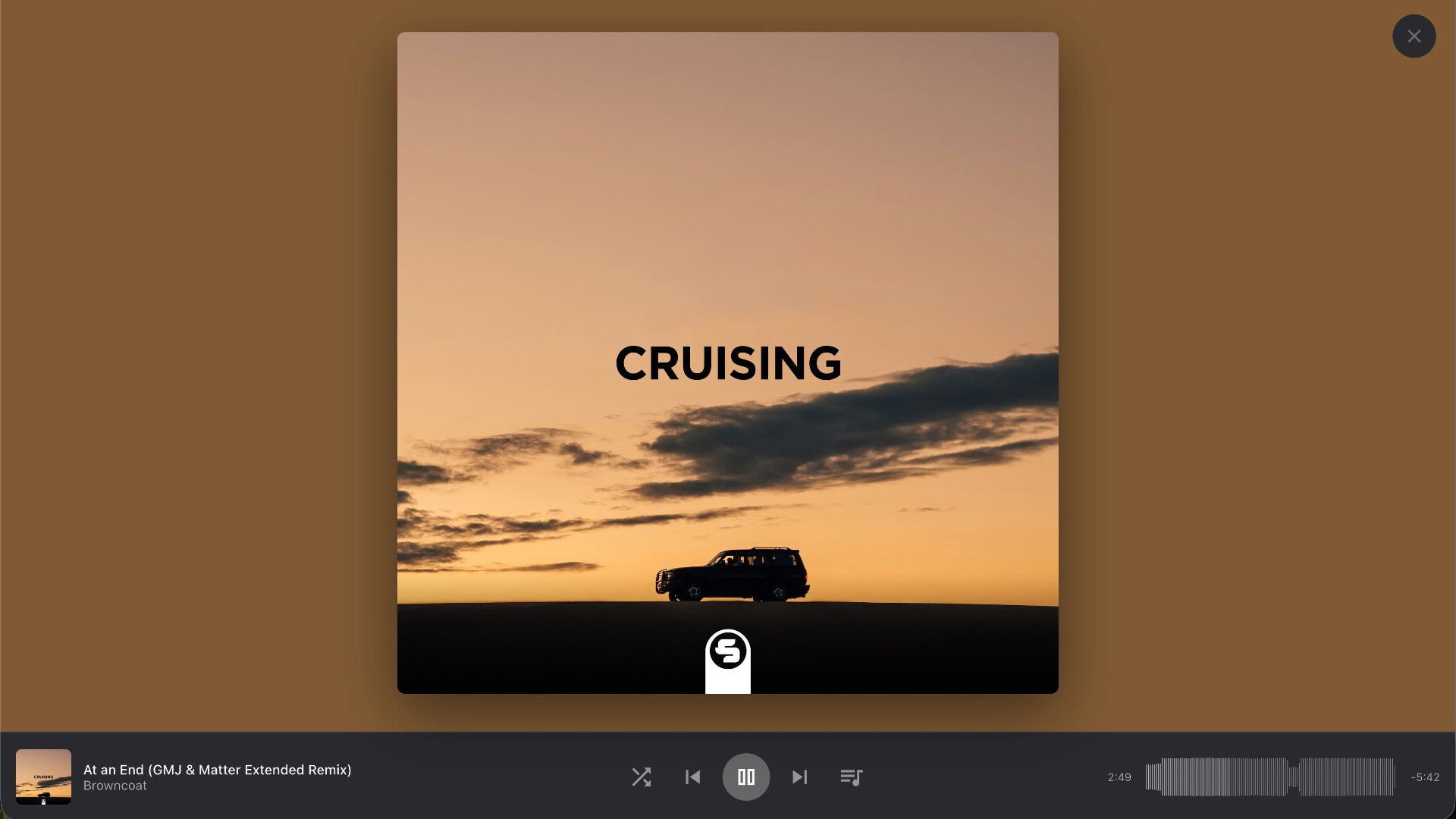
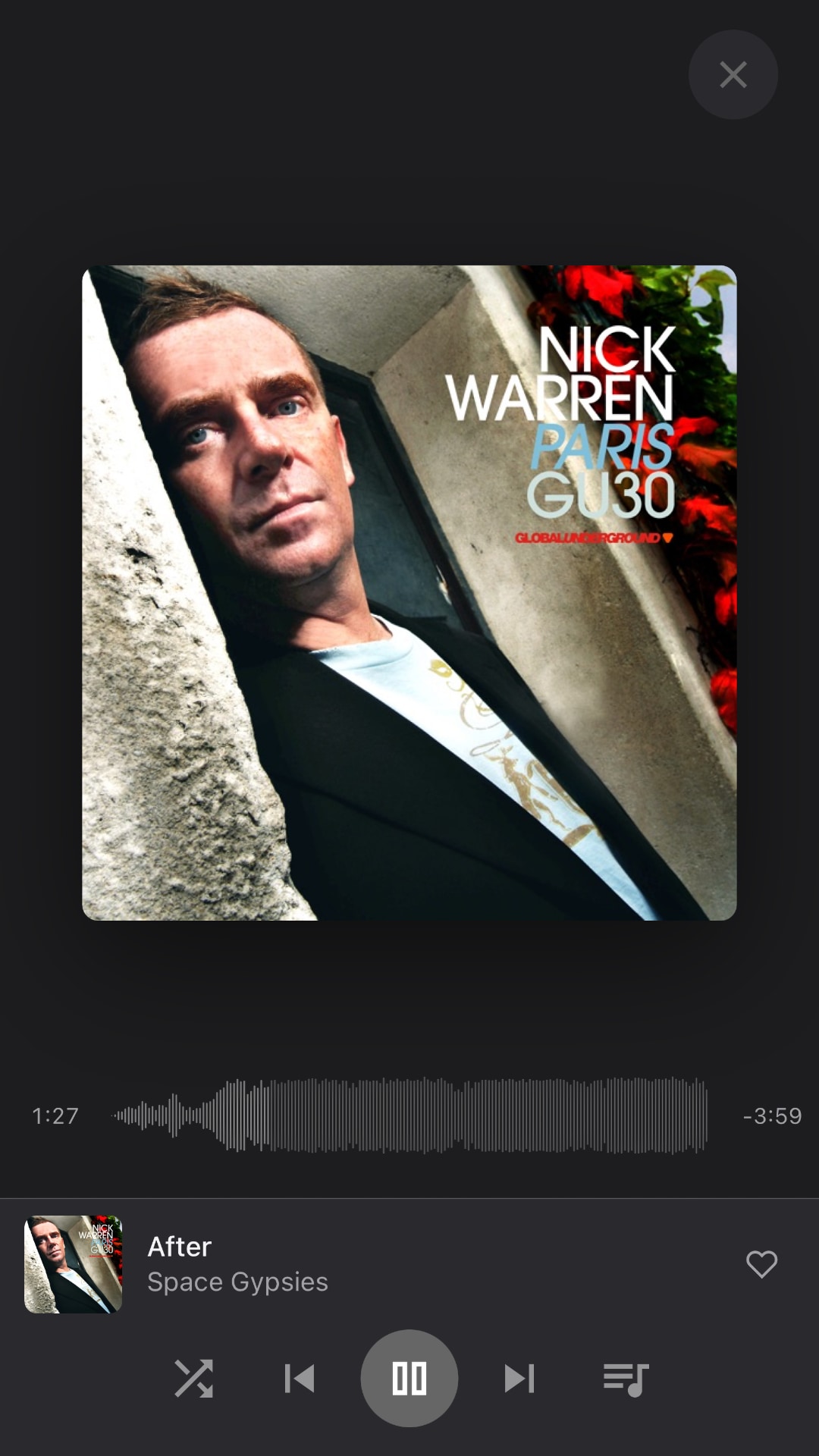
Upload your collection to Puter cloud once. Listen on every device, instantly. Songs, albums, artists, genres, loved tracks — all the views you'd expect. Download any track back, identical to your original.
Drop a folder of music and Music Player builds a playlist for it automatically. Drag to reorder, shuffle, repeat, queue up next — fast and tactile.
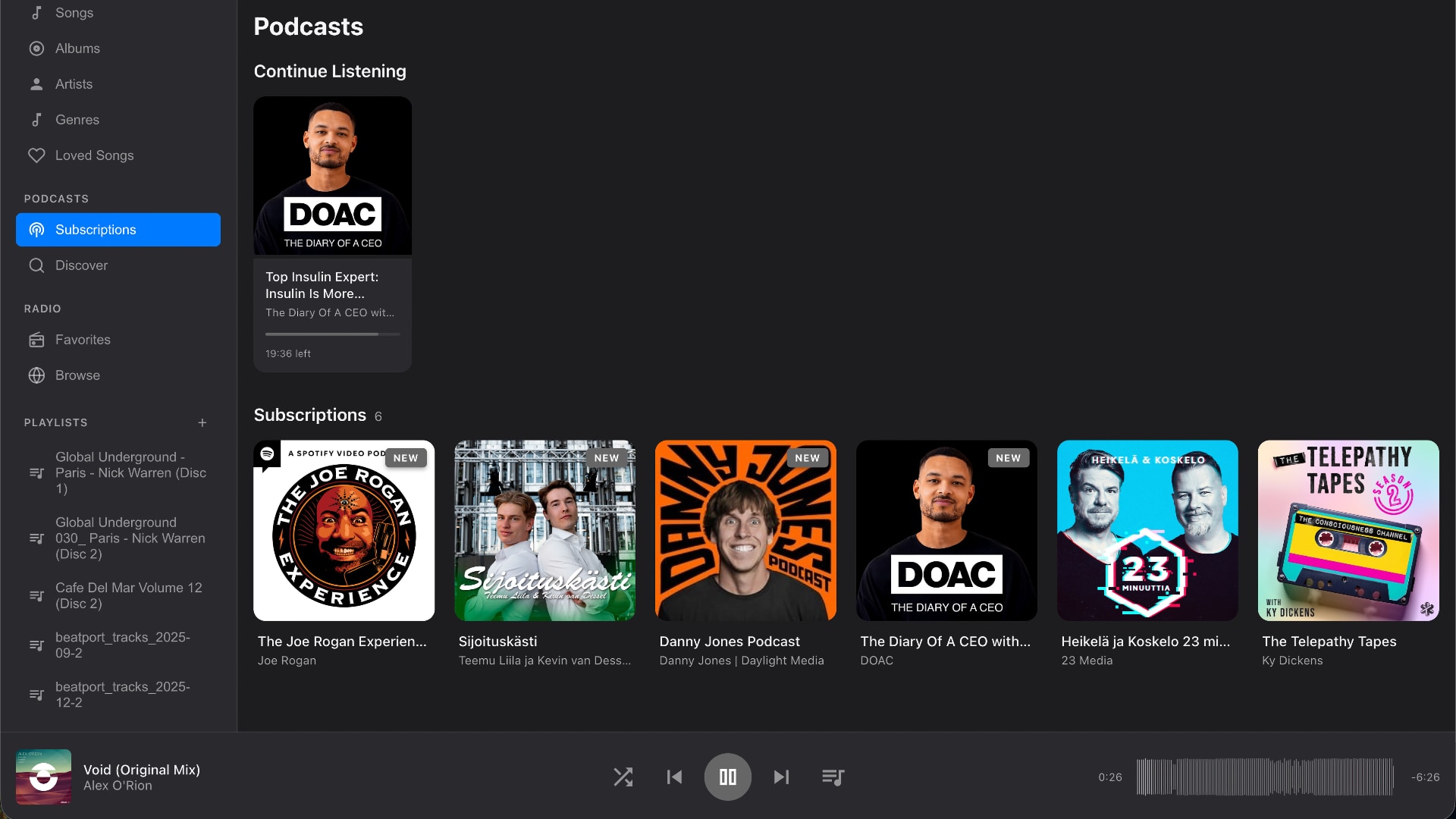
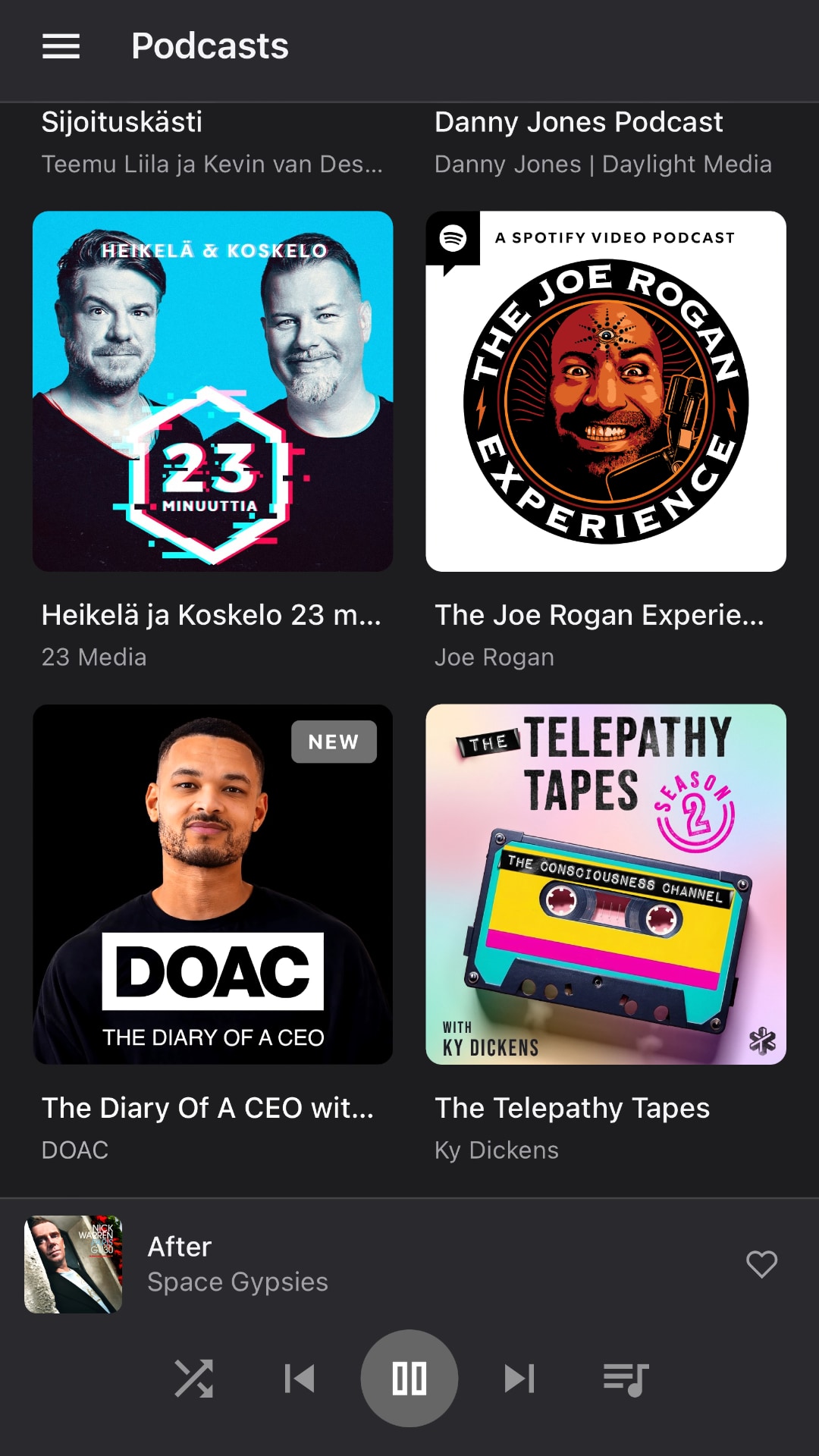
Subscribe to any show, pick up where you left off, and discover new ones — without a separate app.
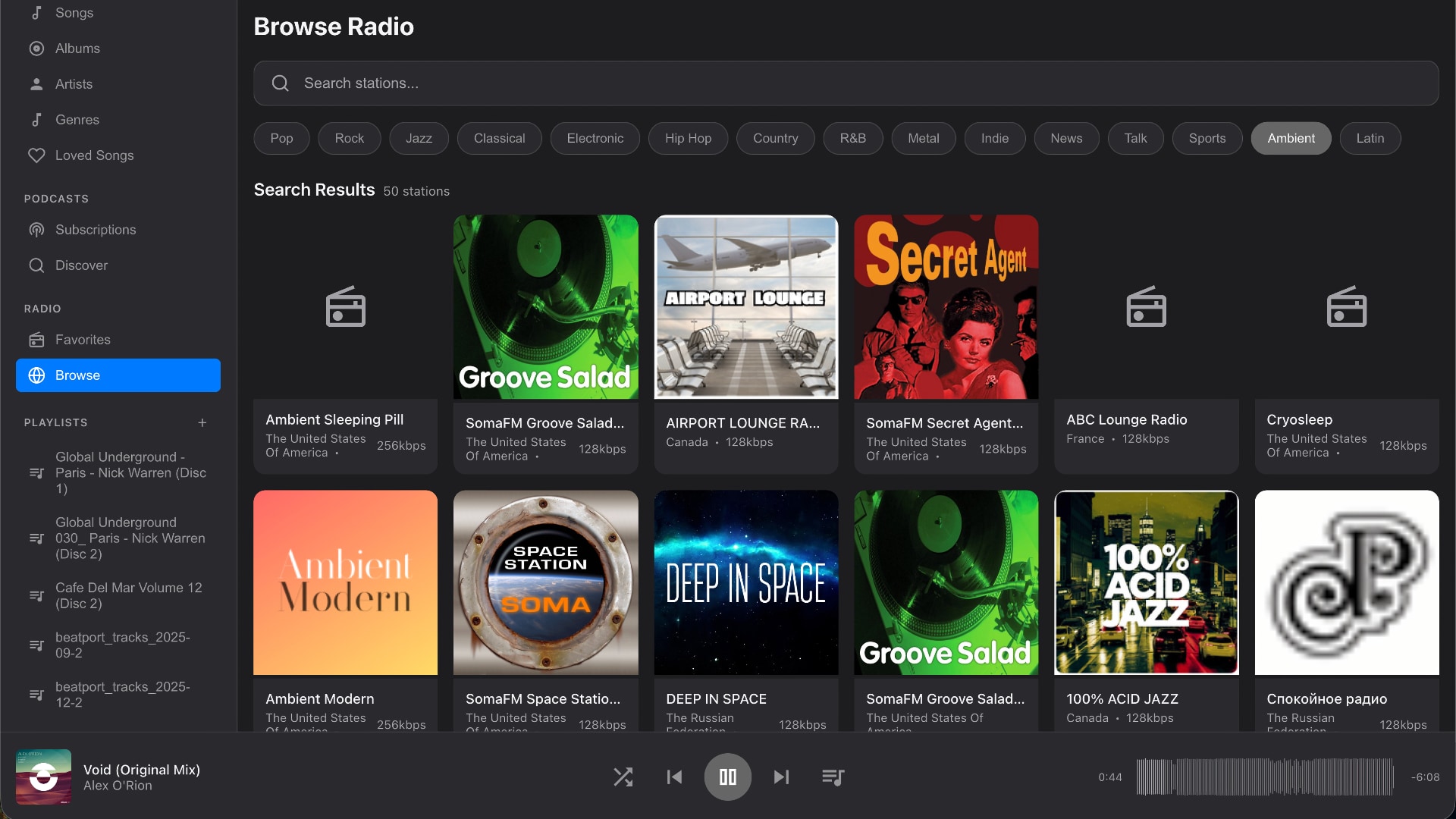
50,000+ stations across every genre, country, and bitrate. Save favorites, browse by category, or jump straight to live streams.
Install on iOS, Android, Mac, or Windows. Tab-bar gestures, smooth scroll, offline cache, lock-screen controls. It just feels right.
We never re-encode or process your tracks. Download any file you uploaded, bit-for-bit identical to the original — your library stays yours.
Fix titles, swap artwork, search the web for cover art, or convert WAV files to MP3 — all from inside the player. No external tools.
Dark mode by default, beautifully tuned typography, waveform scrubbing, lyric-style now-playing — every detail is considered.
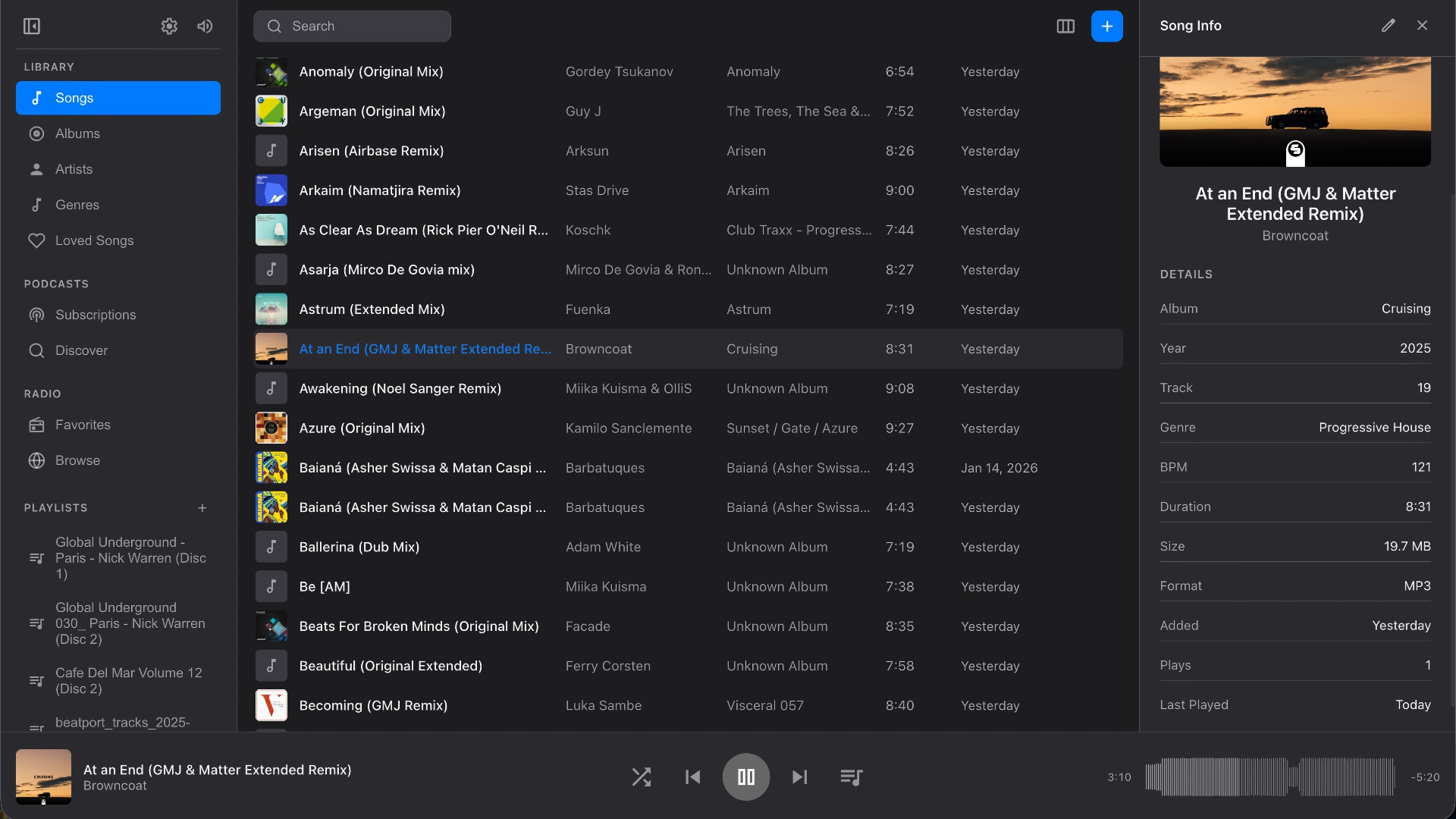
Built with the same craft you'd expect from Apple Music or Spotify — but for the music you actually own.
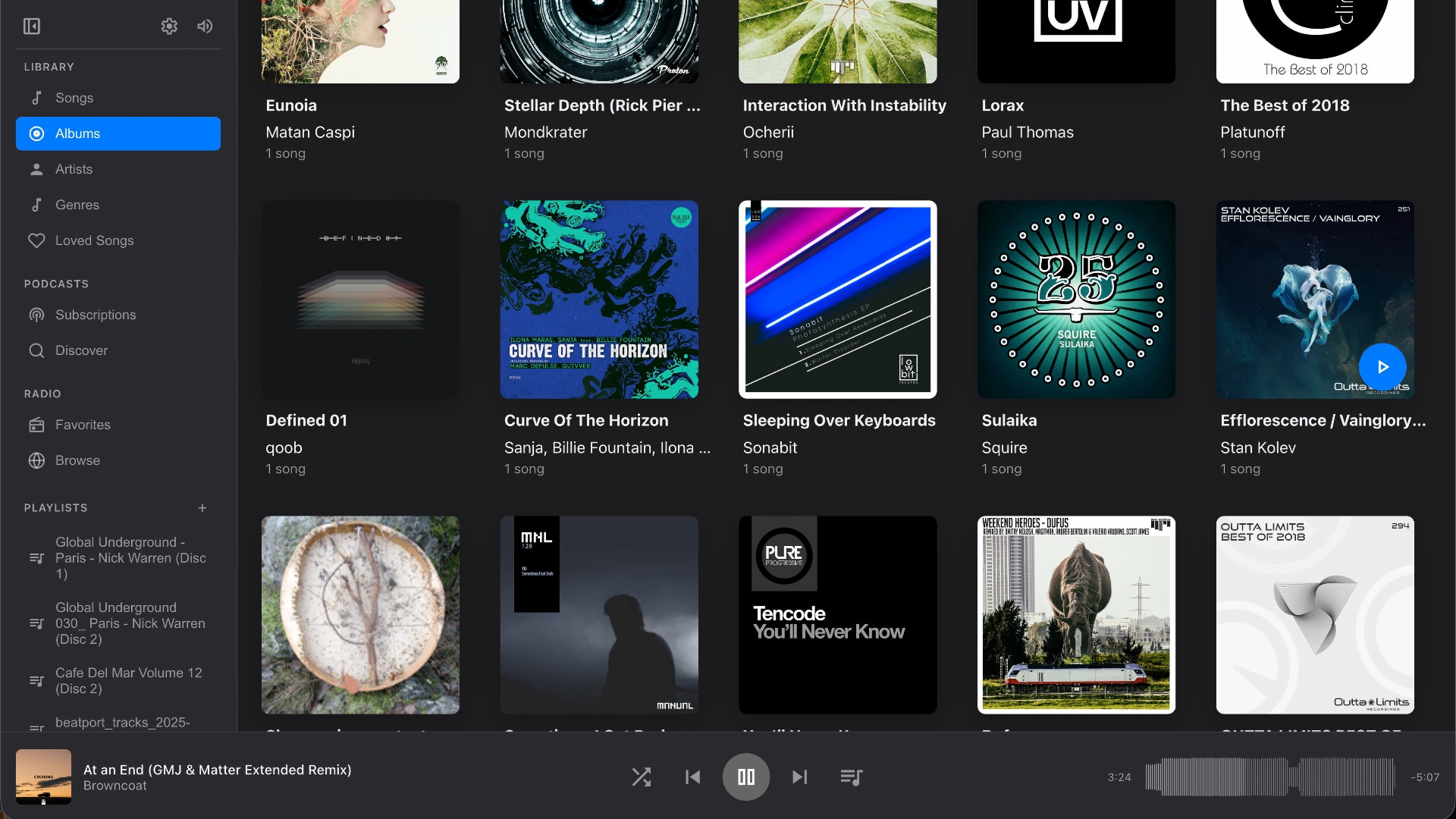
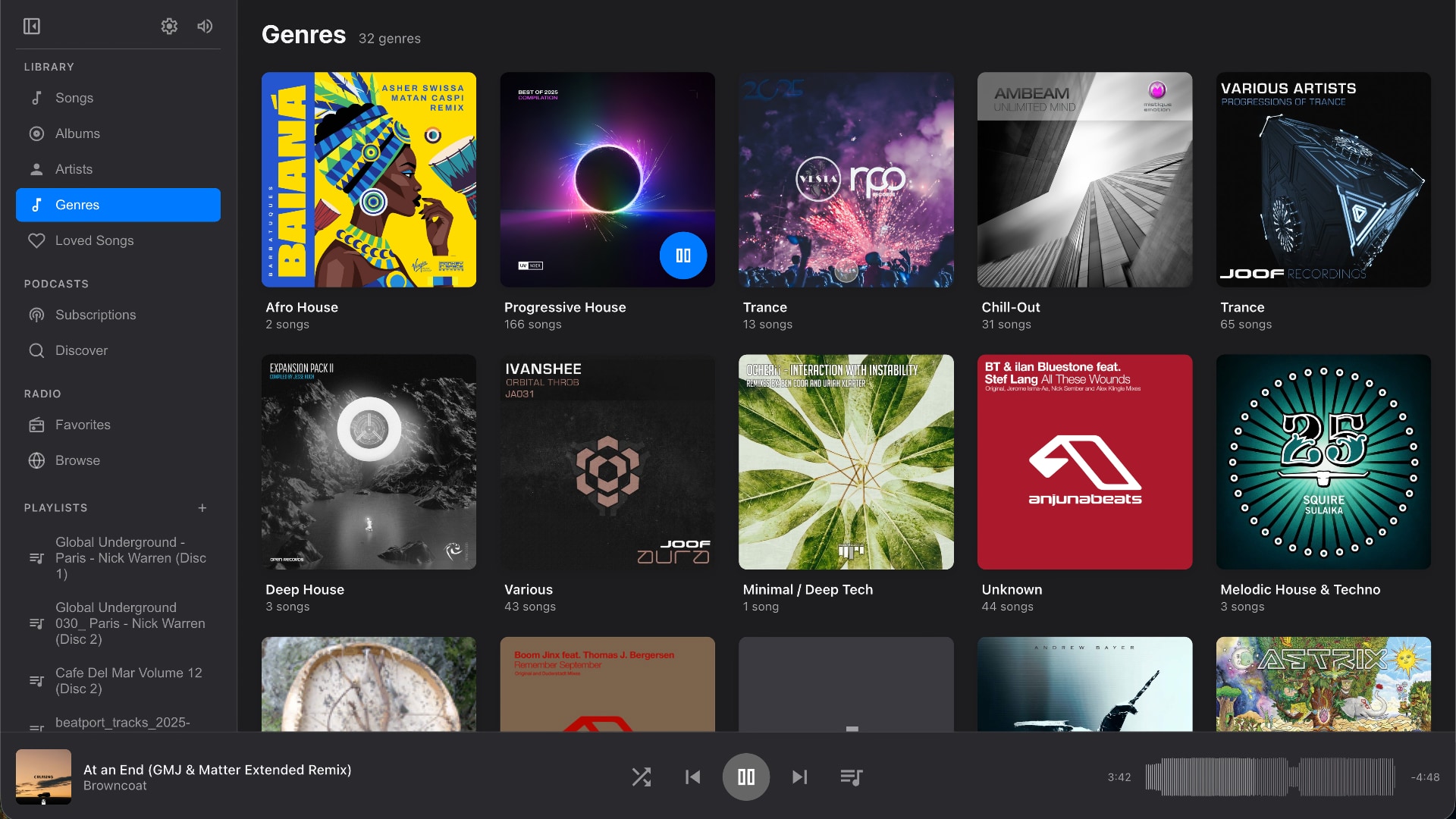
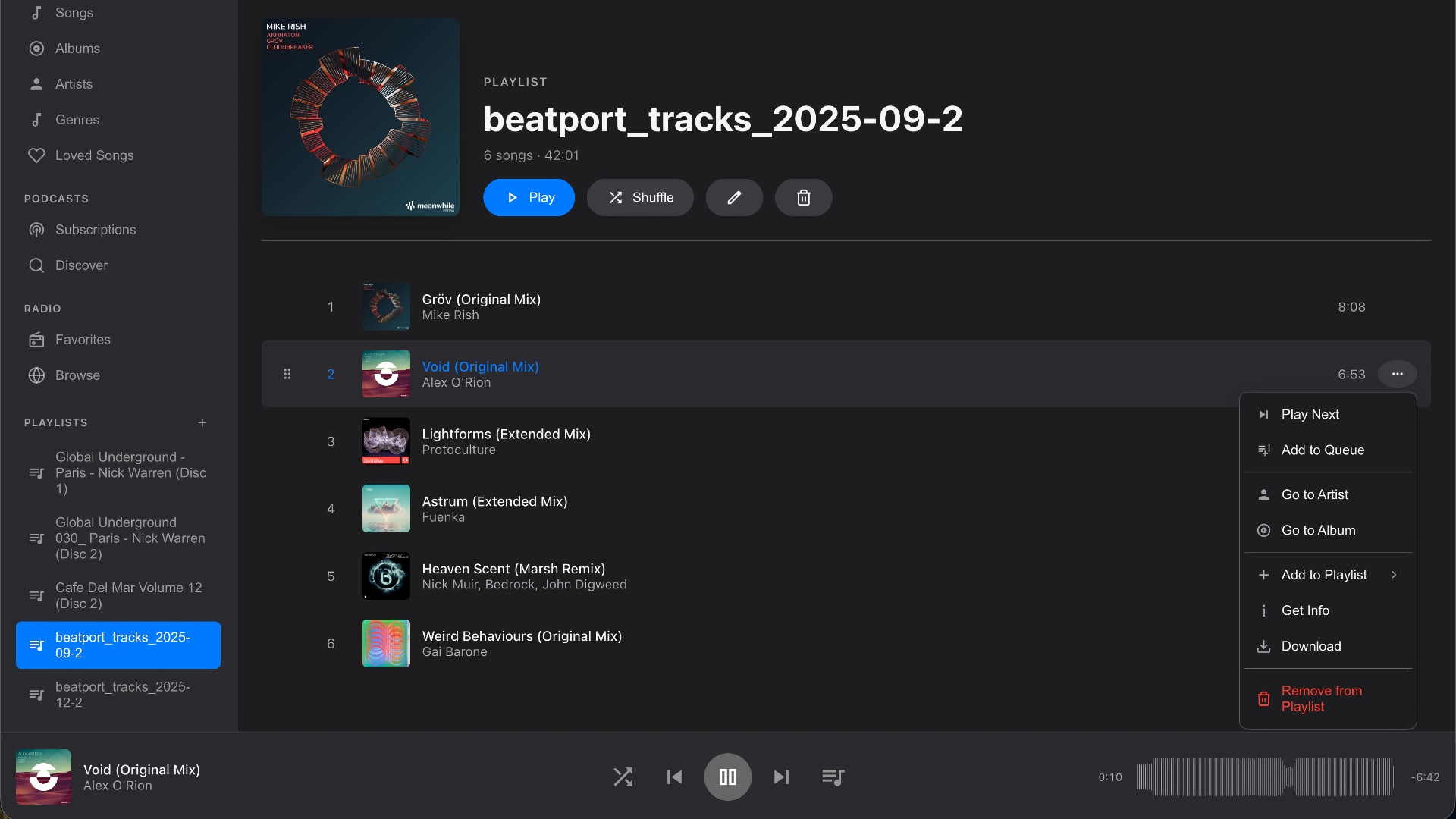
Install Music Player to your home screen and it behaves like any other native app — splash screen, gestures, lock-screen controls, the works. No app store, no install size, no compromise.
Play, pause, skip — straight from your lock screen, AirPods, or car.
Pinned tracks stay on your device. Subway, plane, no problem.
Long tracks (mixes, sets, audiobooks) get a 30-second skip and remember your spot — pick up exactly where you left off.
Puter is a privacy-first cloud platform. Music Player uses it to store your files, sync across devices, and keep everything in your control. No data harvesting. No algorithm deciding what you listen to. Just your music — in your cloud.
Create a free Puter account to start your cloud library. You can add more storage as your collection grows.
Drag a folder, an album, or your whole library. Music Player reads tags, fetches artwork, organizes everything automatically.
Open the app on any device — phone, laptop, tablet. Your library, queue, and listening history follow you.
Click Launch app, sign in with Puter, then import your MP3 files or drag in a folder of music. Music Player uploads the files to your cloud library so you can choose a song and press play in your browser.
Music Player is free to use. A free Puter account includes cloud storage to get started, and larger music collections may need a paid Puter storage plan. You can check your storage and plan in the Puter Dashboard.
Yes. The audio player runs in your web browser, so there is no app to download before listening. You do need to sign in with a Puter account to access your music library. Installing Music Player as a web app is optional.
You can import MP3, M4A, MP4, WAV, OGG, FLAC, AAC, and WMA files. Playback depends on the formats and codecs your browser supports, so an imported file may not play on every device. Playback does not automatically convert your files.
Imported music is uploaded to your Puter cloud storage so you can access your library from other devices. Tracks can also be saved on the current device for cached playback. See Puter's privacy policy for details about how your cloud data is handled.
Yes. Create your own playlists, or drop a folder of music to build one automatically. You can reorder tracks, add songs to the queue, shuffle your music, and repeat a single song or the whole queue.
Yes. Open Music Player in your phone or tablet's browser and sign in to access your cloud library. You can also add it to your home screen or install it as a web app where your browser supports it.
Save songs, albums, or playlists to your device before disconnecting. Saved tracks can play from the local cache, but starting the app or signing in may still require an internet connection. Live radio and uncached audio need a connection.
Your browser may not support the file's audio codec, even if the file can be imported. Try a different browser or an MP3 version of the track. For music that is not saved on your device, check your internet connection and make sure the file is still available in your Puter storage.
Music Player is built for the music you own and import into your library. It also includes live radio and podcasts, but it does not provide an on-demand catalog of commercial songs.